
What should I open tonight?
Filter your own bottles by dish, guest preference, flavour, drinking window and quantity. See why the match works before you go to the rack.
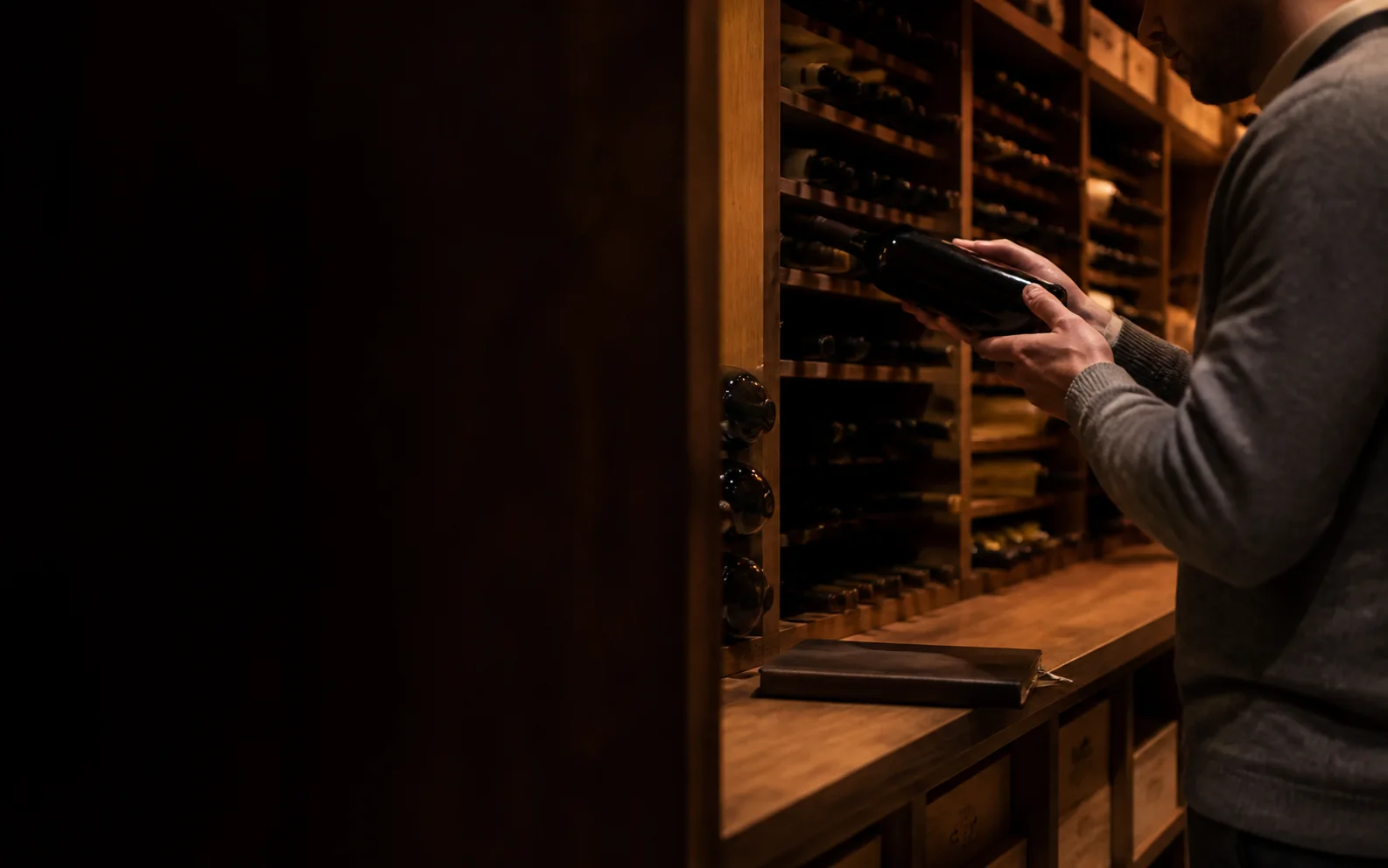
Log the cellar without retyping every bottle, then see value, drinking windows, pairings and the next useful decision in one place.
Total valuation
$184,620
▲ $6,240 (+3.5%) vs 90 days ago
214 bottles
Upload a CSV or CellarTracker export, search a bottle, or add label photos. WineExperts matches producer, wine, vintage and format; uncertain rows wait for you to confirm instead of being silently dropped.
Keep quantity, location, purchase cost, market range and total cellar value together. The first view uses £ in the UK, € in Europe and $ elsewhere, and the dashboard will let you change it.
Bring drinking windows, recent price movement and cellar quantity into one queue. Ask for a wine that suits tonight’s dish and see which owned bottle is ready now.
A bottle list is only useful when it helps you choose, buy and act in time.
Filter your own bottles by dish, guest preference, flavour, drinking window and quantity. See why the match works before you go to the rack.
See what you already own, where it sits and how the market compares before adding another case or missing a gap in the cellar.
Get reminders when a wine enters its window, approaches the end of it, moves sharply in price or reaches a target you set.
Upload a spreadsheet, import a CellarTracker file, search bottles one by one or add clear label photographs.
Review uncertain producer, vintage and format matches. Keep cost basis, storage location and private notes attached.
Use the open, hold and sell-review queue, set alerts, or ask which ready bottle fits the meal and moment.
Most cellar tools stop after inventory. That still leaves the collector moving between a bottle list, price sites, tasting notes and drinking-window reports whenever a real decision appears.
WineExperts is designed around that decision. The inventory tells us what you own; exact-vintage evidence explains what it may be worth, when it may be ready and which bottle best fits the occasion. You keep control of every match, private note and final choice.
Yes. Upload CSV or a CellarTracker export. Low-confidence matches go into a correction queue so a row is never silently lost or attached to the wrong vintage.
The planned dashboard accepts clear label photographs and extracts the producer, wine, vintage and format for confirmation. You approve the match before it joins the cellar.
Yes. Choose the dish, occasion or flavour you want. WineExperts checks the bottles you own against pairing, readiness, quantity and your saved preferences.
Replacement value, auction evidence and estimated seller net stay distinct. Every figure keeps its date and type so one optimistic merchant listing cannot become the value of the whole cellar.
Yes. Country chooses the first useful default: GBP in the UK, EUR in Europe and USD elsewhere. The dashboard will let you change it for any portfolio.
It can flag a bottle for review when price, supply, liquidity or maturity changes. It shows the evidence and estimated costs; the decision remains yours.
Yes. Inventory, locations, private notes and cost basis remain exportable. Adding the cellar should never lock your own records inside the product.
Bring in the cellar, see what is ready and never let the next good bottle disappear in the racks.